VS CODE THEME PACK · FREE
Haar Theme Six fogs for a calmer editor.

Six calm fog colour themes for VS Code, each in light and dark. Free.
 Install in VS Code
Open VSX is for Cursor, VSCodium, Windsurf and other VS Code-based editors.
Color theme Each fog in light and dark.
THE SIX FOGS
Six fogs, each in light and dark.
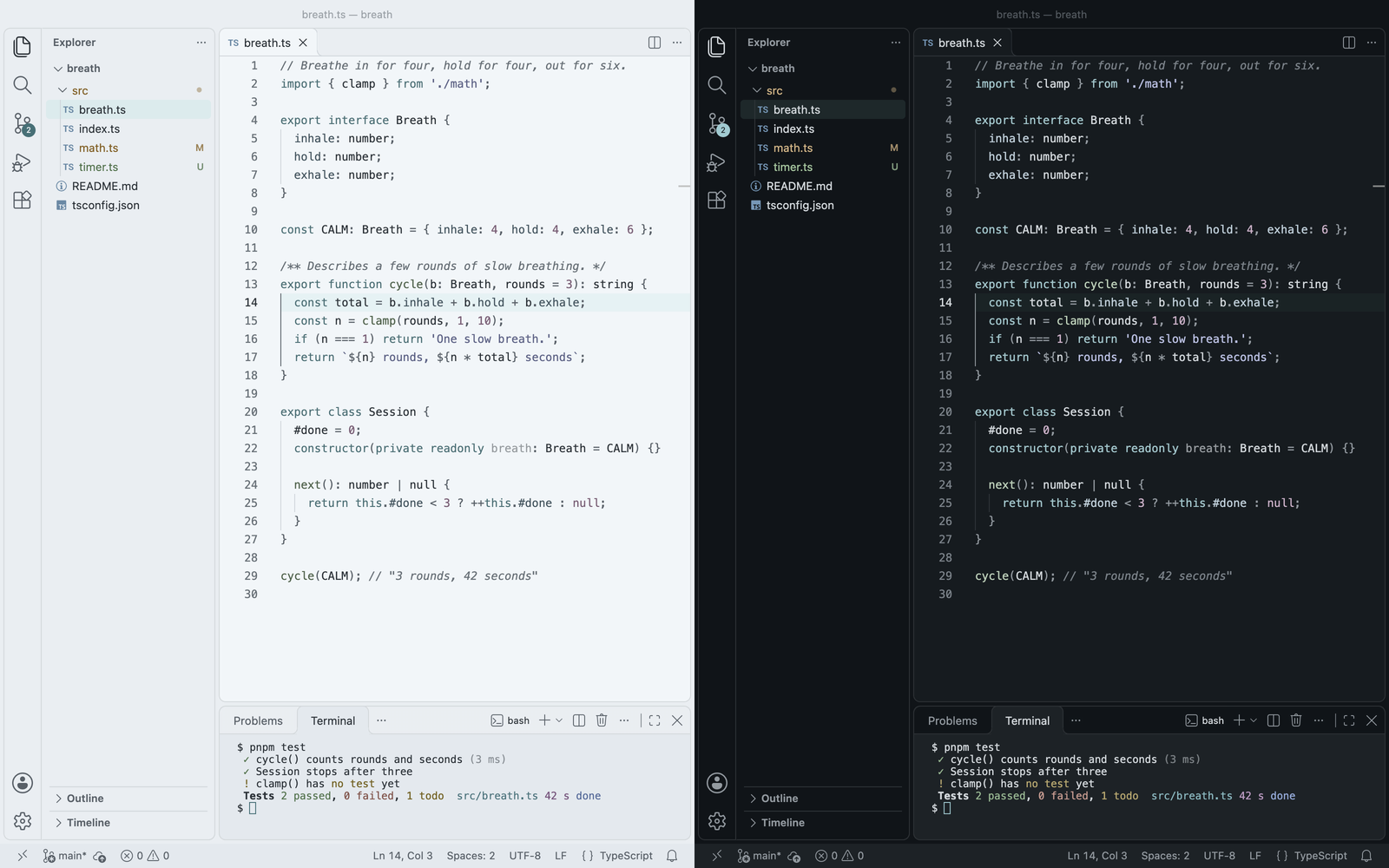
Pick one, in light or dark, to see it in the editor above and in VS Code below.
IN VS CODE
Haar, light and dark.
SET IT UP
Follow your system’s light and dark.
- Open the Command Palette, run Preferences: Color Theme and pick a Haar theme.
- To switch with your system, turn on
window.autoDetectColorScheme, then choose a light and a dark Haar theme.
Any pair works, for example “Haar Matcha Light” with “Haar Matcha Dark”.
{
  "window.autoDetectColorScheme": true,
  "workbench.preferredLightColorTheme": "Haar Light",
  "workbench.preferredDarkColorTheme": "Haar Dark"
}
Only themes
Twelve colour themes and nothing else: no code, no settings, no commands.
Nothing sent anywhere
No telemetry and no account. Haar never connects to anything.
Easy to read
Editor text is at least 12:1 against its background, in all twelve themes.
Free
On the VS Code Marketplace and on Open VSX.
Questions and bug reports: support@zorzenstudios.com
Also from Zorzen Studios
- Chakra Moments One colour and one breath a day, in your new tab and in VS Code. Chrome, VS Code
- MonoVue Your monorepo, seen whole, and what a change breaks before you save. VS Code
- Agent Watchdog Reviews code written by AI agents, with a reason for every flag. VS Code
- Slowtab Gentle screen time for your browser. Chrome